Multi-system emulation
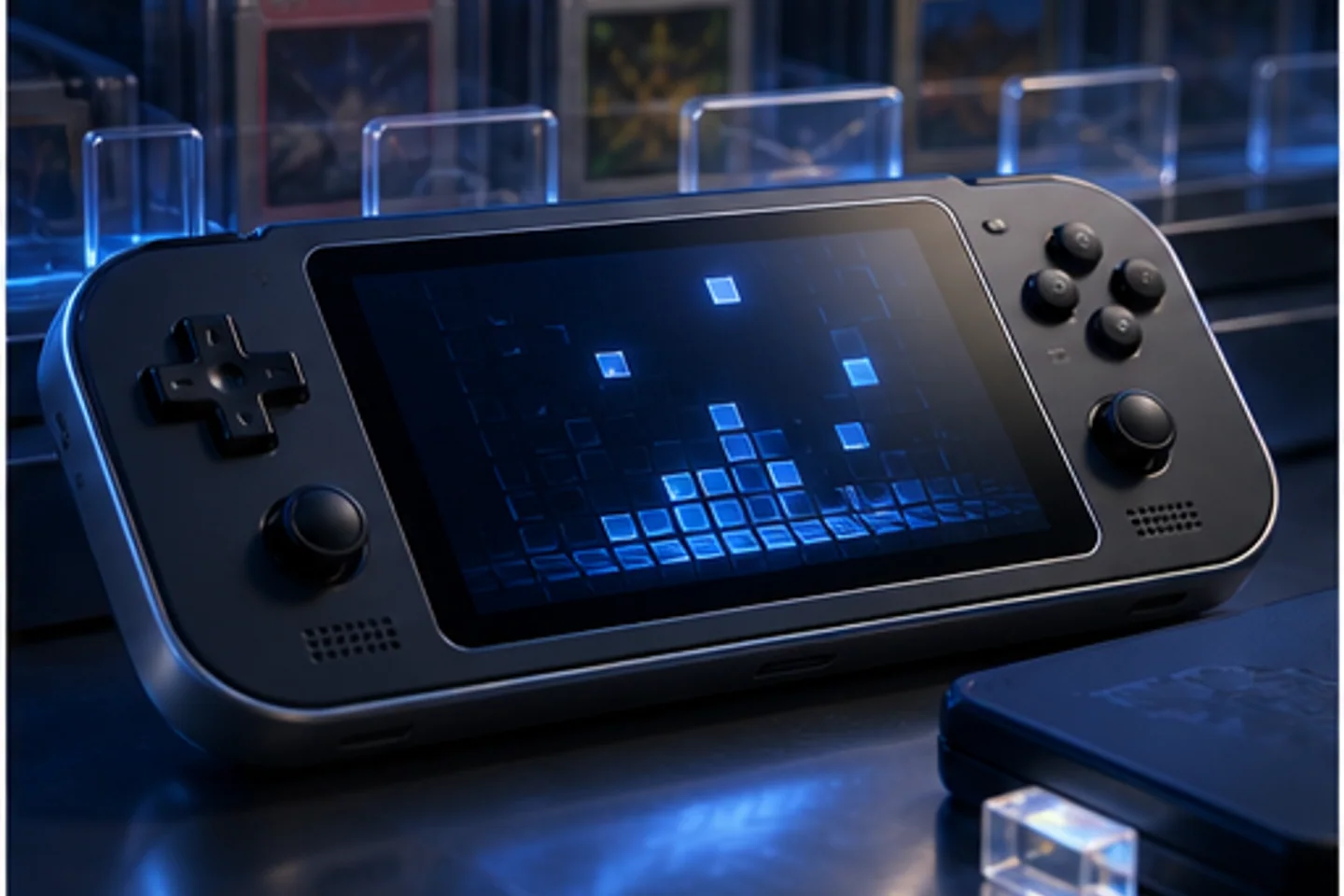
GB, GBC, GBA, and DS cores running client-side via WebAssembly, plus a native Tetris — a whole library from one tab.
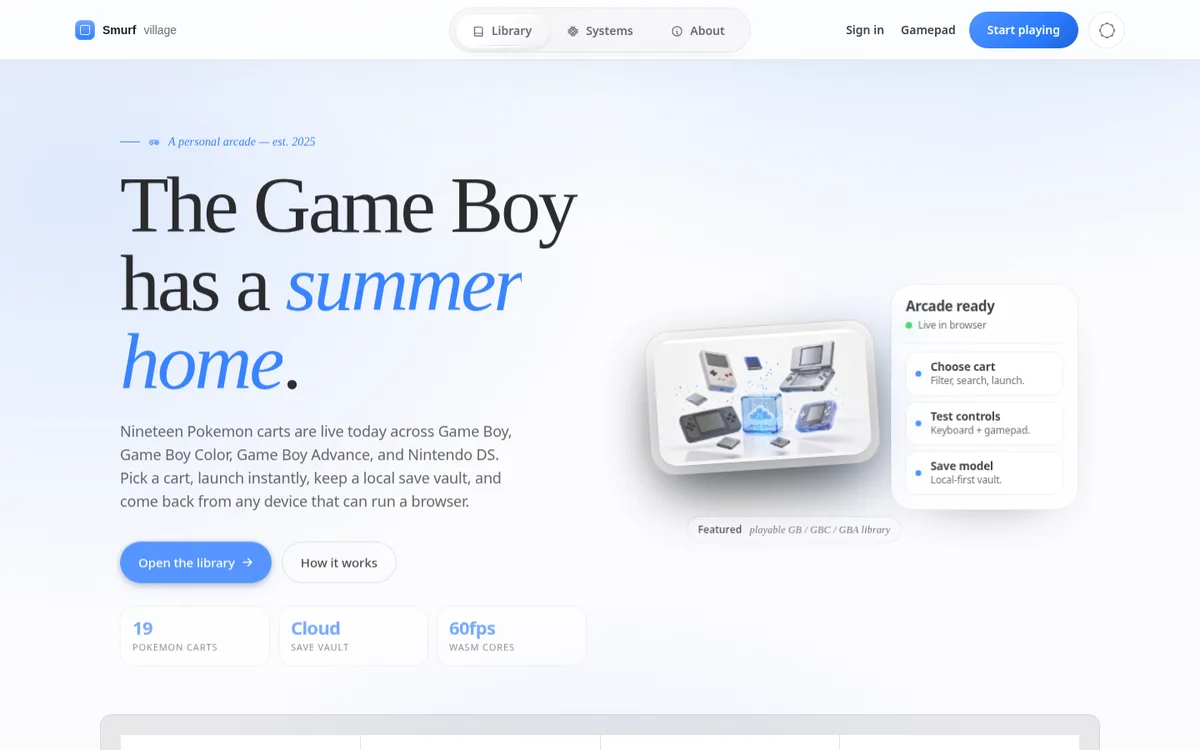
Same 90s kid, different itch. The Game Boy was my childhood, and I wanted that whole library back — in my pocket, on any screen, with no cartridge to dig out and no app store in the way. SmurfVillage is that: a browser-first arcade that turns any device into a handheld, with Game Boy, Color, Advance, and DS emulation plus a from-scratch Tetris, real controls, and saves that follow you everywhere.
This case page checks its own route brief, public freshness score, and visitor-route signal before asking anyone to trust the story.
Loading the citation-safe case brief.
Snapshot pendingPokémon and Minecraft taught me to love games; the Game Boy is where it started. SmurfVillage is me building the way I actually want to revisit that — not hunting down old hardware, not installing anything, just opening a tab. It turns any device into a handheld: Game Boy, Color, Advance, and DS, plus a Tetris I wrote from scratch, with saves that follow you between devices when you sign in.
It’s a personal arcade that refuses to feel like a tech demo: install it to the home screen, pick up a gamepad, and it behaves like a real device.
Web emulators tend to be clunky: awkward controls, no save persistence, and a UI that screams “tech demo.” On a phone they’re nearly unplayable, and the moment you close the tab your progress is gone.
The goal was a browser arcade that doesn’t apologize for being in a browser — real input options, real saves, and a polished shell that works as well on a phone as on a desktop.
GB, GBC, GBA, and DS cores running client-side via WebAssembly, plus a native Tetris — a whole library from one tab.
On-screen touch controls with haptic feedback, full Gamepad API support for physical controllers, and keyboard play on desktop.
Local-first saves in IndexedDB, with optional sync to a tinyblue account so progress carries across every device you sign in on.
A service worker and manifest make it installable to the home screen and usable offline — it launches and feels like an app, not a website.
Touch controls, haptics, audio unlocking, and home-screen install all behave differently on iOS Safari — getting a console-grade experience there is most of the work.
Local-first saves that optionally reconcile with an account means handling conflicts and offline edits without ever losing someone’s progress.
Running emulator cores in WebAssembly while keeping the glass UI smooth means careful attention to the frame budget on mid-range phones.
Client-side cores mean zero server cost per play and instant start — the browser does the work.
Web-native install, offline support, and persistence so it behaves like an installed app.
An Apple-style glass shell and shared account layer tie it into the rest of the tinyblue network.
The arcade keeps growing — more emulated systems, smoother mobile play, and richer save management (cloud slots, per-game states) so it keeps closing the gap with a real handheld.
SmurfVillage is live — install it and play.