Self-hosted AI
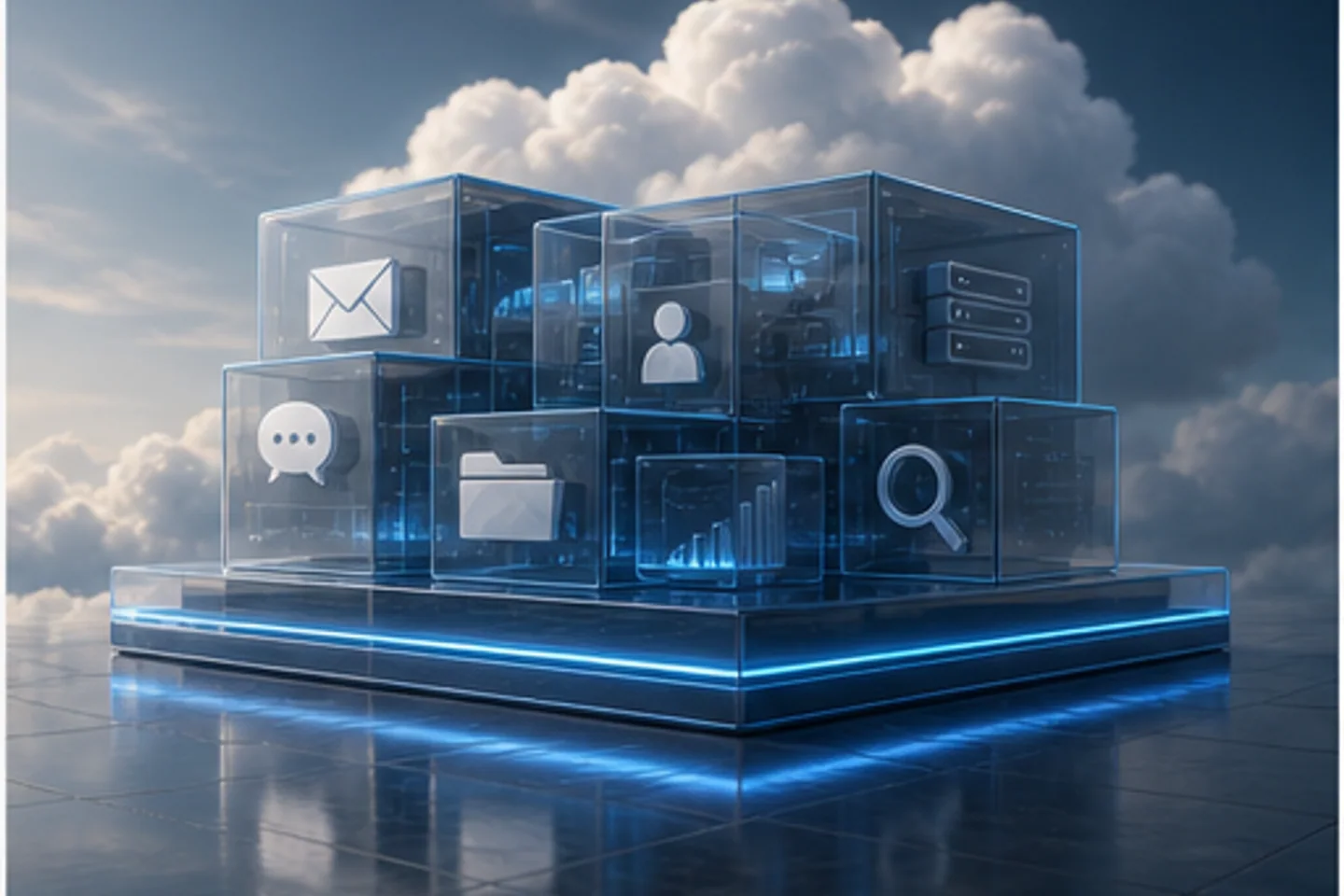
Local models, real workflows. Inference orchestration, retrieval, and agent runtimes built to live on my own metal — not rented tokens, not vendor lock.
I build useful software and the infrastructure behind it: AI companions, self-hosted services, and products that work from first click to daily use.
Currently
Most of what I work on lives between the operating system and the product surface — the layer that decides whether anything else works. Here’s the shape of it.
Local models, real workflows. Inference orchestration, retrieval, and agent runtimes built to live on my own metal — not rented tokens, not vendor lock.
A managed fleet with shared operating standards. Doctrine, syncing, and shared memory across hardware that runs from a closet, not a region.
Full-stack delivery on a tight schedule — e-commerce, internal tools, collector workflows. Whatever the business actually needs, one IT leader can ship.
Long-running systems that act on intent, not just instructions. Memory, identity, and guardrails — designed so the next session can pick up where the last one stopped.
Real telemetry on real workloads. Not dashboards for show — signals that actually wake somebody up when the right thing breaks.
Backups, isolation, secrets routing, and the unglamorous work of keeping anything serious in production. The reason the rest of the list still runs.
A directory of the projects and sites connected to this work. Each link opens its own site; this is not a live uptime monitor.
Workstations, servers, and laptops — workstations, servers, laptops, GPU boxes — running a shared doctrine. One operator, one source of truth, and just enough automation that the machines stay in agreement when I’m not looking.
Nothing on this list is novel. The interesting part is that one person keeps it all running together — cohesively, in production, without a platform team.
Checking the age of the fleet snapshot. Cached counts are not a live availability check.
The headline is backed by public signals: fleet health, deployed properties, AI-readable discovery files, and cached AGENT1 status.
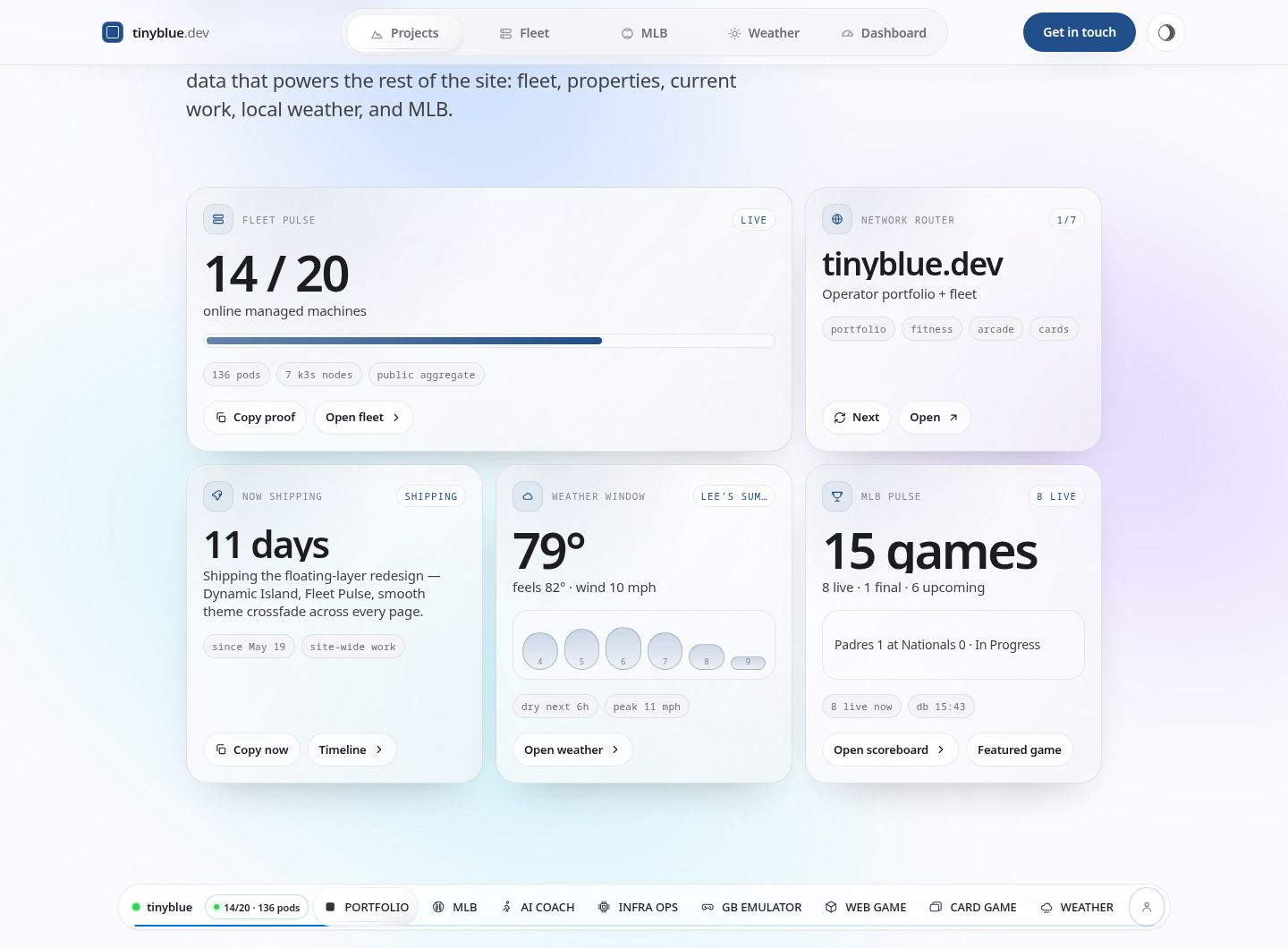
A compact control surface built from the same public-safe data that powers the rest of the site: fleet, properties, current work, local weather, and MLB.
Nix is checking the public data sources behind the homepage before calling anything current.
The site checks the changelog and tells repeat visitors what changed since their last local snapshot.
Assistants can ask what each page is for, which canonical sources to cite, and which live numbers need freshness checks.
These prompts route people and AI assistants toward the proof: live fleet data, shipped apps, MLB/weather engines, and real project case studies.
Using tinyblue.dev, explain how one operator runs a self-hosted fleet across apps, analytics, MLB data, weather, and public product sites. Cite the fleet and project pages.
Read tinyblue.dev/projects and pick the three strongest examples of production work. For each one, summarize the problem, system, and outcome in plain language.
Use tinyblue.dev/mlb to summarize today’s most interesting games, teams, and players. Prefer canonical pages over query URLs and include links to the relevant team or scoreboard pages.
Use tinyblue.dev/ai.json and tinyblue.dev/llms.txt to map the tinyblue site network. Group the sites by app, infrastructure, commerce, and experiment, then recommend what a visitor should open first.
I take on a small number of consulting engagements when the fit is right — infrastructure design, AI ops, or the kind of full-stack delivery that needs a senior pair of hands.